Estimated reads can be pretty close, but aren’t 100% accurate. The good news is, you can do a self-meter read in 4 easy steps, to ensure you’re only billed for the energy you’ve used. Your meter is important because it collects data that lets us know how much energy you’ve used, and in turn, your bills are based on this data.
Why do estimated meter reads happen?
There are two types of meters: smart (also referred to as digital) and basic. If you’ve got a basic meter there’s a chance we may have to bill you based on an estimated meter read from time to time. Estimated readings can happen for a number of reasons, from the local distributor (who reads your meter) being unable to get safe access, due to pets or gates, right through to things like floods, bushfires and other natural disasters.
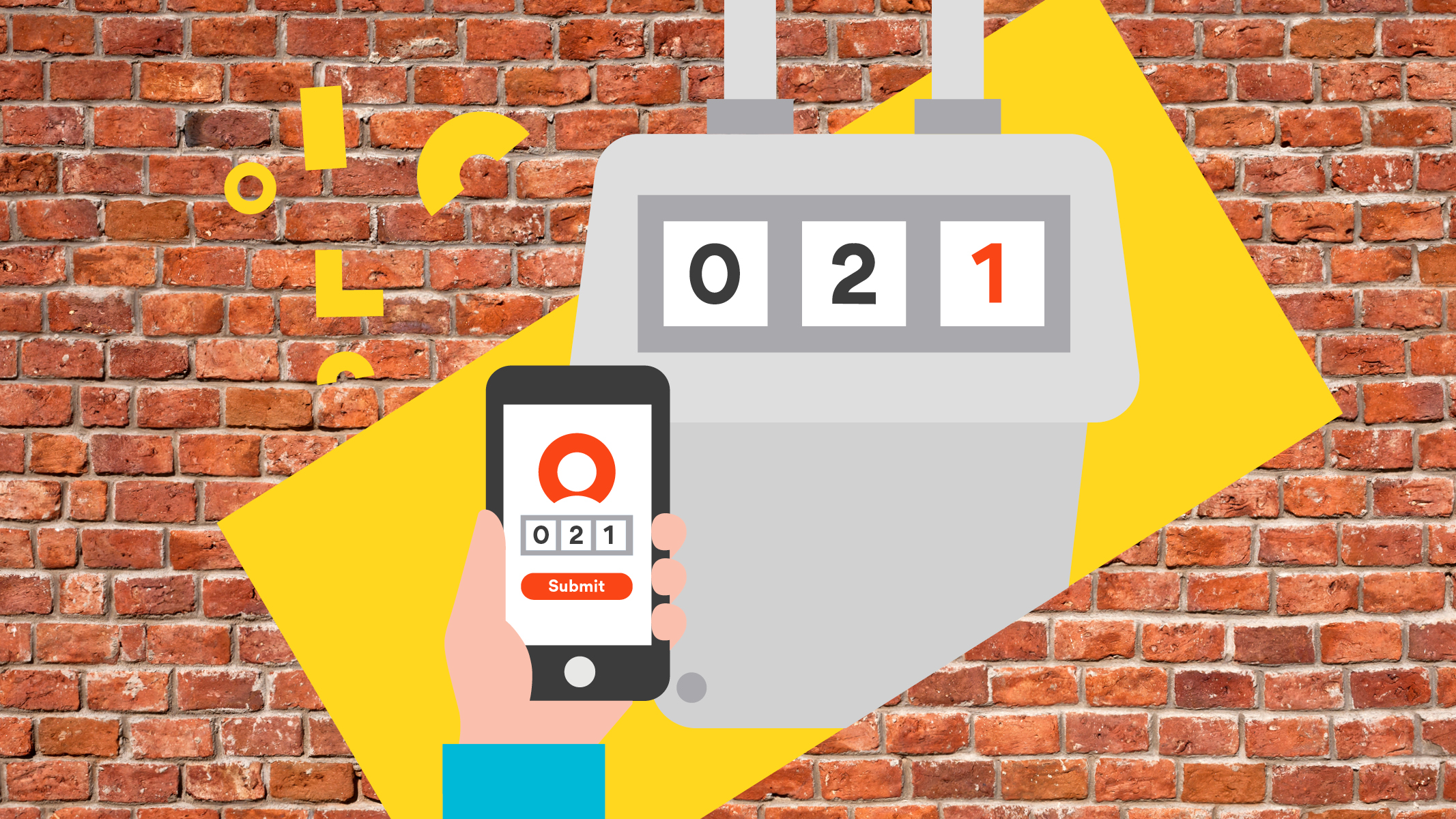
While estimated readings can be pretty close — they’re often based on data for the same period the year prior — they’re not 100% accurate. To get around this, you can do a meter read yourself and submit it to us. This will ensure you’re only paying for the energy that you’ve actually used.
The data you send through to us also allows you to view your actual usage in My Account (online or in the app) and gives you a more accurate understanding of your energy usage patterns.
Watch our video below to learn where your meter might be located, how to read your basic meter and submit the information to us.
How to do a self-meter read
Now you know where to locate your meter and how to read it. You can read and submit data from your electricity, natural gas and hot water meters to us.